Cartoon Photo Editor - ToonArt3.1
Publisher Description
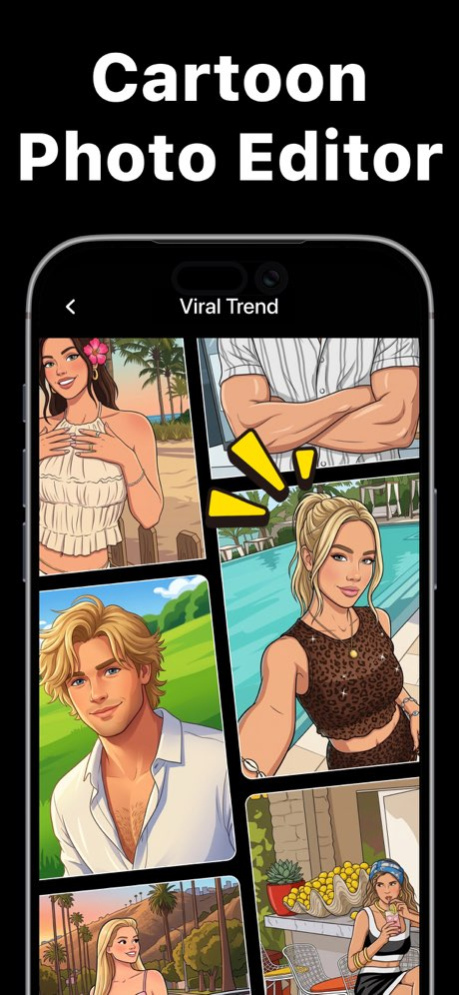


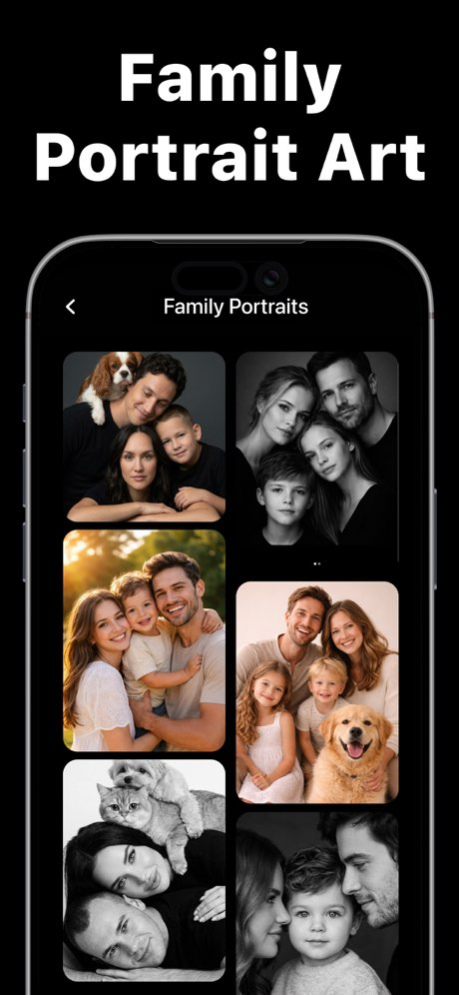
Welcome Toonart! Cartoon Yourself.. Video & Photo Art.
Turn your selfies into stunning cartoon portraits, caricatures, and AI art in seconds. Create unique avatars and share your style.
- Caricature Maker
- AI Doll
- Big Head Caricature
- Mini Me
- Toy Box Avatar
- Sticker Avatar
- 3D Avatar
And many more viral trends.
Enjoy Cartoon Yourself - Toonart
For your questions and any support please contact us at:
hello@360comobile.com
Terms of Use
https://360comobile.com/terms-of-use.html
Privacy Policy
https://360comobile.com/privacy-policy.html
Version History Performance improvements. 3.1 Sep 2 Performance Improvements. 1.2 Aug 17 Performance improvements 1.1 Jun 26 1.0 May 24
About Cartoon Photo Editor - ToonArt
The company that develops Cartoon Photo Editor - ToonArt is 360 COMPANY BILISIM TEKNOLOJILERI REKLAMCILIK MEDIKAL TURIZM SANAYI VE TICARET LTD STI. The latest version released by its developer is 3.1.
To install Cartoon Photo Editor - ToonArt on your iOS device, just click the green Continue To App button above to start the installation process. The app is listed on our website since 2026-10-08 and was downloaded 0 times. We have already checked if the download link is safe, however for your own protection we recommend that you scan the downloaded app with your antivirus. Your antivirus may detect the Cartoon Photo Editor - ToonArt as malware if the download link is broken.
How to install Cartoon Photo Editor - ToonArt on your iOS device:
- Click on the Continue To App button on our website. This will redirect you to the App Store.
- Once the Cartoon Photo Editor - ToonArt is shown in the iTunes listing of your iOS device, you can start its download and installation. Tap on the GET button to the right of the app to start downloading it.
- If you are not logged-in the iOS appstore app, you'll be prompted for your your Apple ID and/or password.
- After Cartoon Photo Editor - ToonArt is downloaded, you'll see an INSTALL button to the right. Tap on it to start the actual installation of the iOS app.
- Once installation is finished you can tap on the OPEN button to start it. Its icon will also be added to your device home screen.
Program Details
General
System requirements
Download information
Pricing
Version History
version 3.1
posted on 2026-10-08
Version History Performance improvements. 3.1 Sep 2 Performance Improvements. 1.2 Aug 17 Performance improvements 1.1 Jun 26 1.0 May 24
version 3.1
posted on 2026-09-03
Version History Performance improvements. 3.1 23h ago Performance Improvements. 1.2 Aug 17 Performance improvements 1.1 Jun 26 1.0 May 24
version 1.2
posted on 2026-08-21
Version History Performance Improvements. 1.2 4d ago Performance improvements 1.1 Jun 26 1.0 May 24
version 1.1
posted on 2026-07-24
Version History Performance improvements 1.1 Jun 26 1.0 May 24
